
Kruti
2025
Designing the conversational experience for Agentic AI from 0→1
iOS
Android

OVERVIEW
As Senior Designer on the team, I crafted the conversational UX and agentic interactions for Kruti, making complex multi-step tasks simple through natural conversation across 13 Indian languages.
1/1
Project
Kruti represents a fundamental shift from traditional chatbots to agentic AI, systems that don't just respond to queries but proactively take action on behalf of users.
Kruti integrates deeply with Ola's existing service infrastructure to enable users to accomplish everyday tasks through conversation, eliminating the friction of app-switching and complex navigation flows.
The platform supports over 13 Indian languages with voice and text inputs, powered by Krutrim V2 LLM and specialized agent frameworks.
1/2
Challenge
Coordinating multiple agents
Designing multiple specialised agents (like booking, research, payment) that work together, ensuring smooth transitions between these agents and keep the conversation clear and continuous for users.
Matching efficiency of traditional apps
Designing conversational UX that is intuitive so users do not feel that shifting to voice or text-based interaction adds extra effort or slows down their usual workflows.
Handling edge cases with ease
Conversations can involve unexpected situations, such as unclear requests or system errors. Handling these edge cases with minimal user effort, through clear clarifications and seamless recovery steps was crucial to keeping the experience smooth.
1/3
Team


STRATEGY
Setting key metrics and principles to guide our design approach
2/1
Key Metrics
As we were launching a new app, we focused on these main metrics:
1. Feature Discovery & Adoption
Measuring how easily users find and start using new features, which helps us ensure important capabilities don’t get missed.
2. Task Completion: Inputs x Time
Tracking how efficiently users complete tasks based on how much they need to interact and how long it takes; the goal is to keep this as low and quick as possible.
3. User Retention
Monitoring how often users return to the app over time, indicating long-term value and satisfaction
2/2
Design Principles
We followed simple guiding principles to create a smooth experience:
1. Welcoming by design
The experience feels friendly and easy to approach, inviting users to interact comfortably from the start.
2. Minimum input, maximum output
Users achieve what they want with the least effort and input needed.
3. Proactive, not reactive
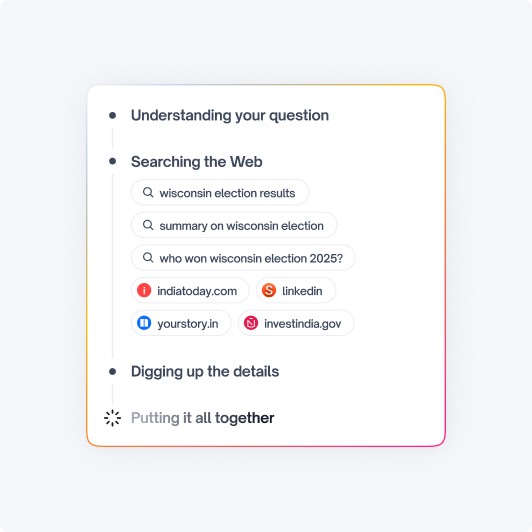
The assistant anticipates what users need and offers help without waiting to be asked.
DESIGN
Introducing Kruti — a conversational assistant designed to perform your daily tasks
3/1
App Design
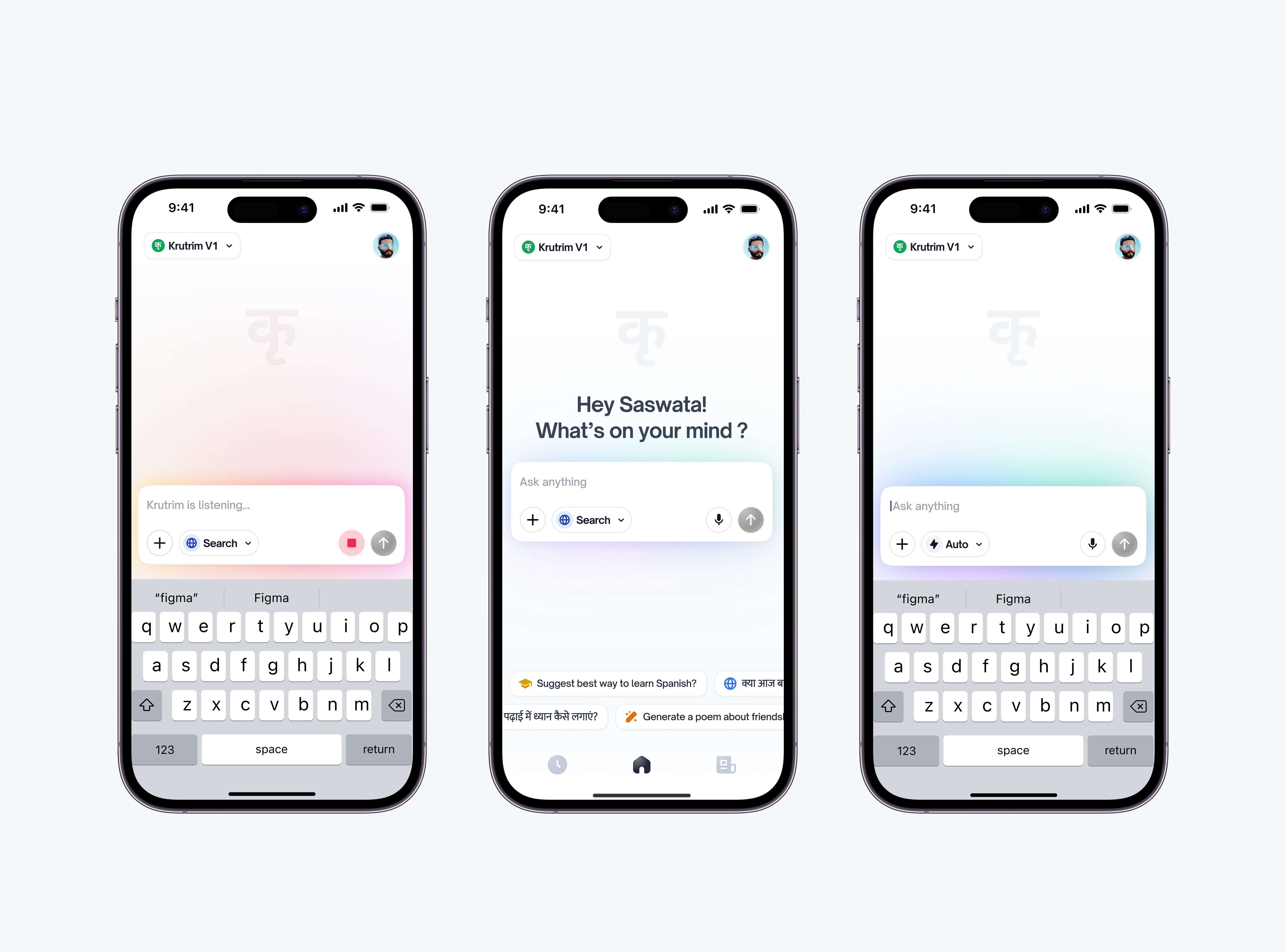
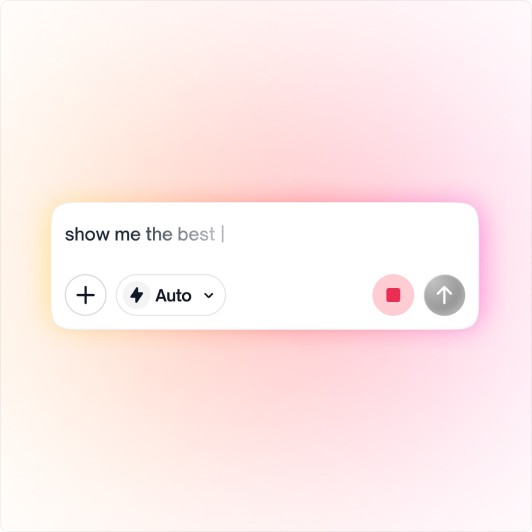
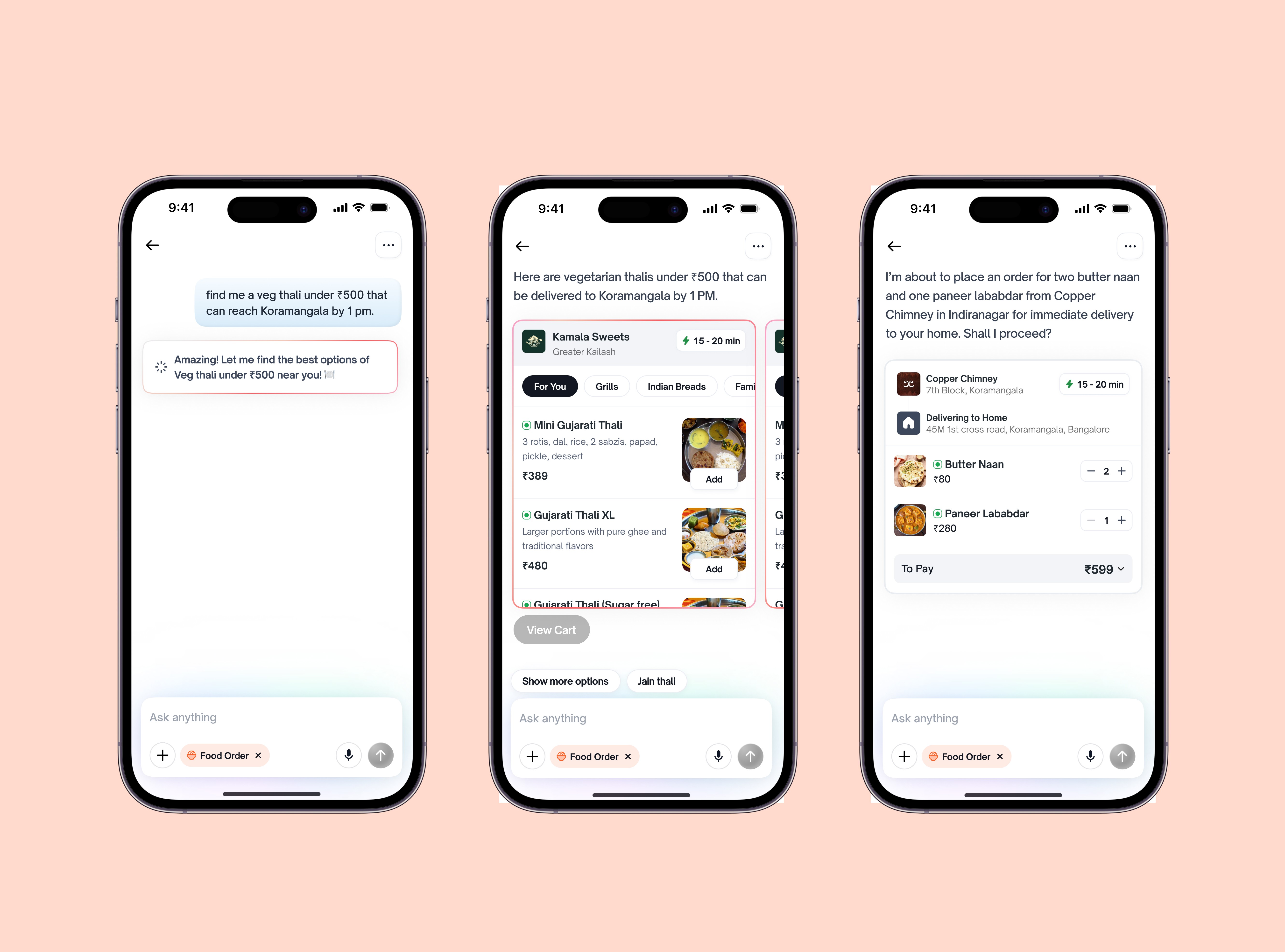
Tap, Type or Tell, as you please
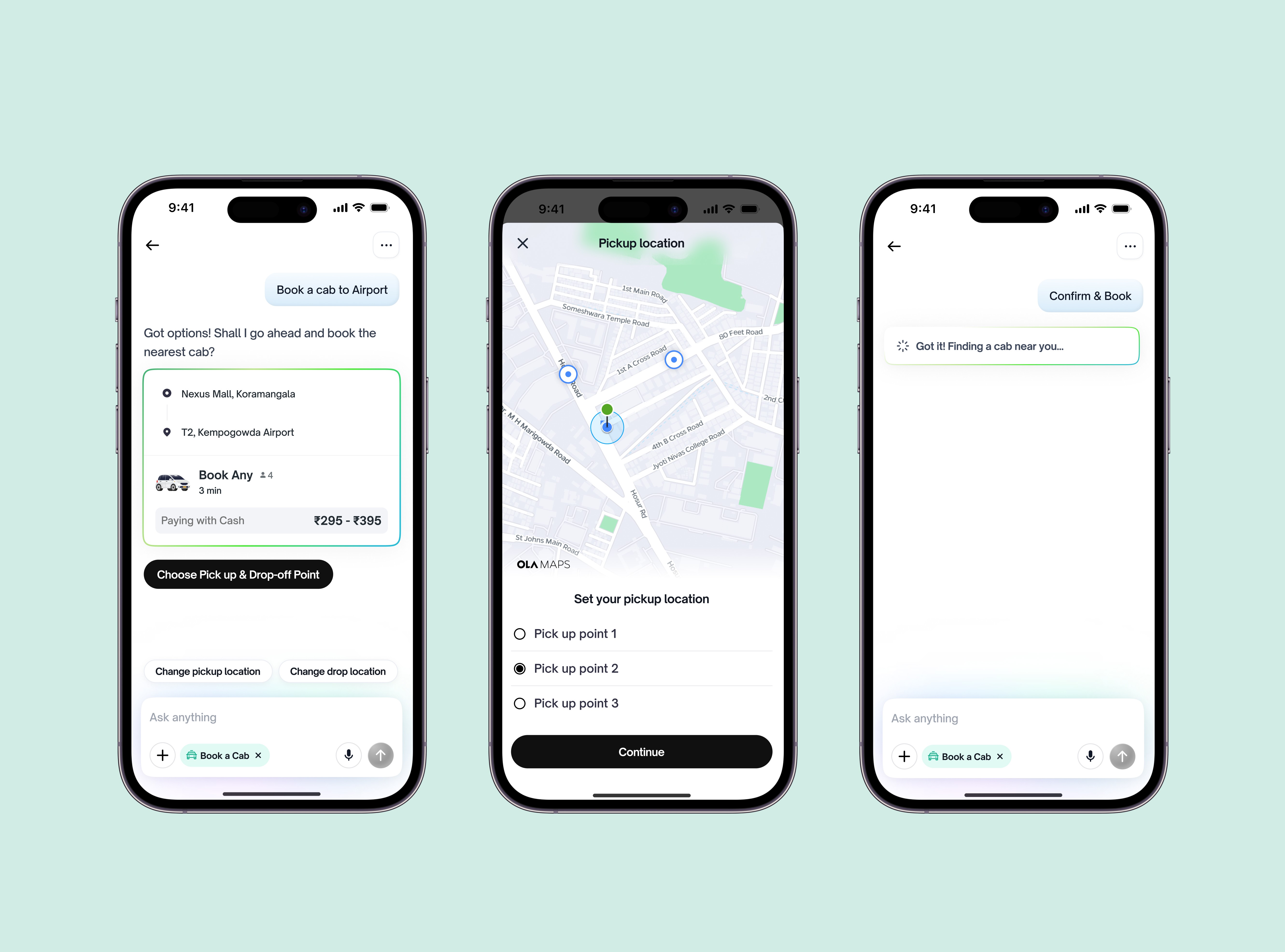
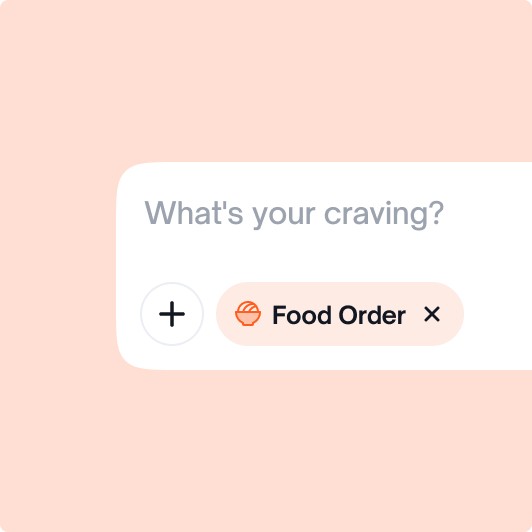
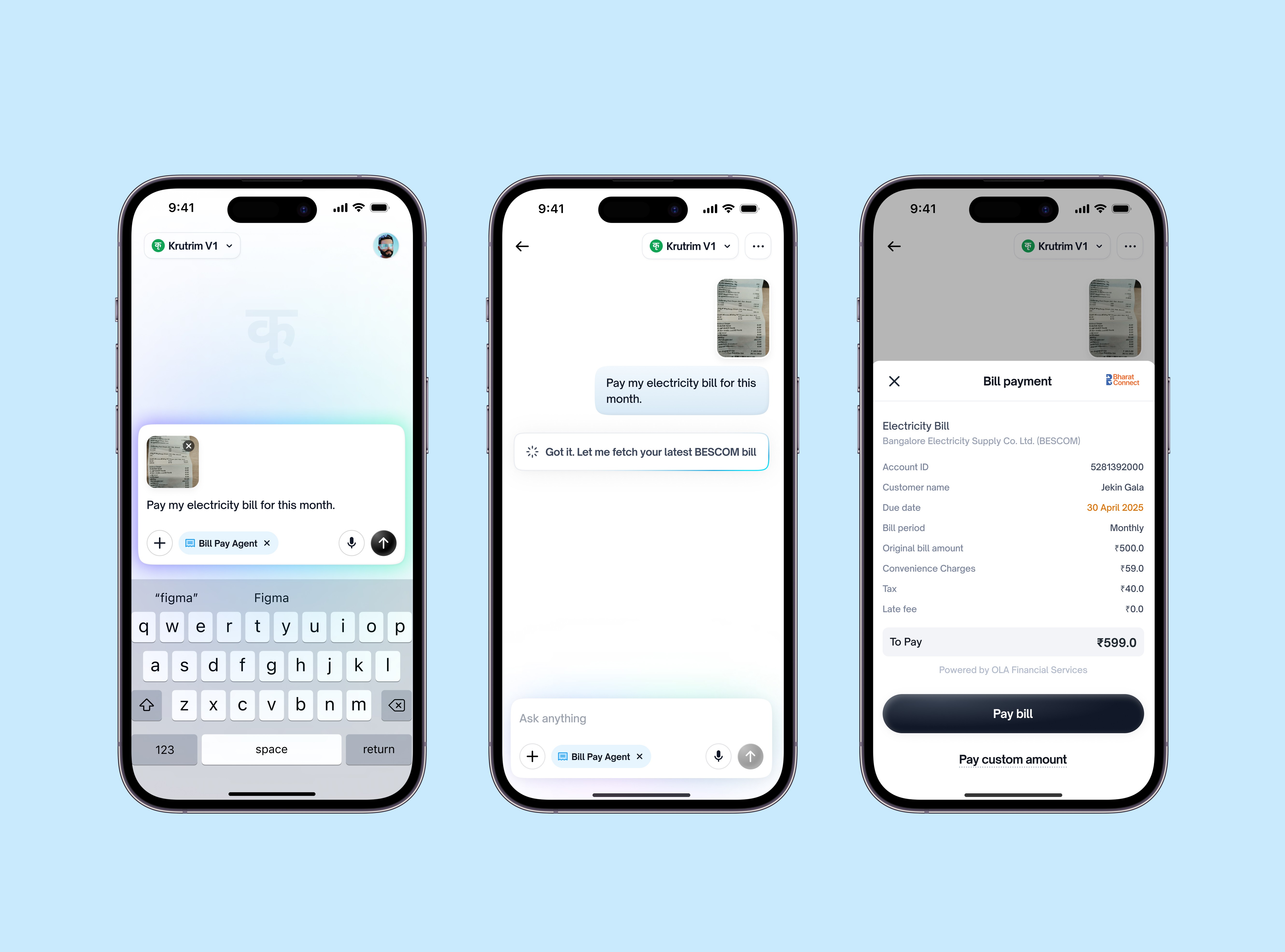
We combined typing, tapping, and voice into one seamless interface, letting users interact however they feel most comfortable.
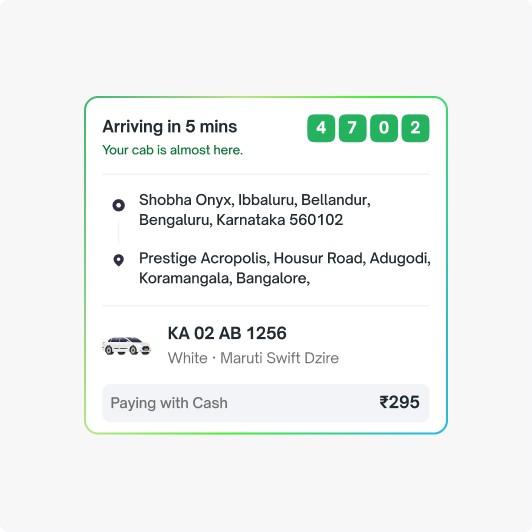
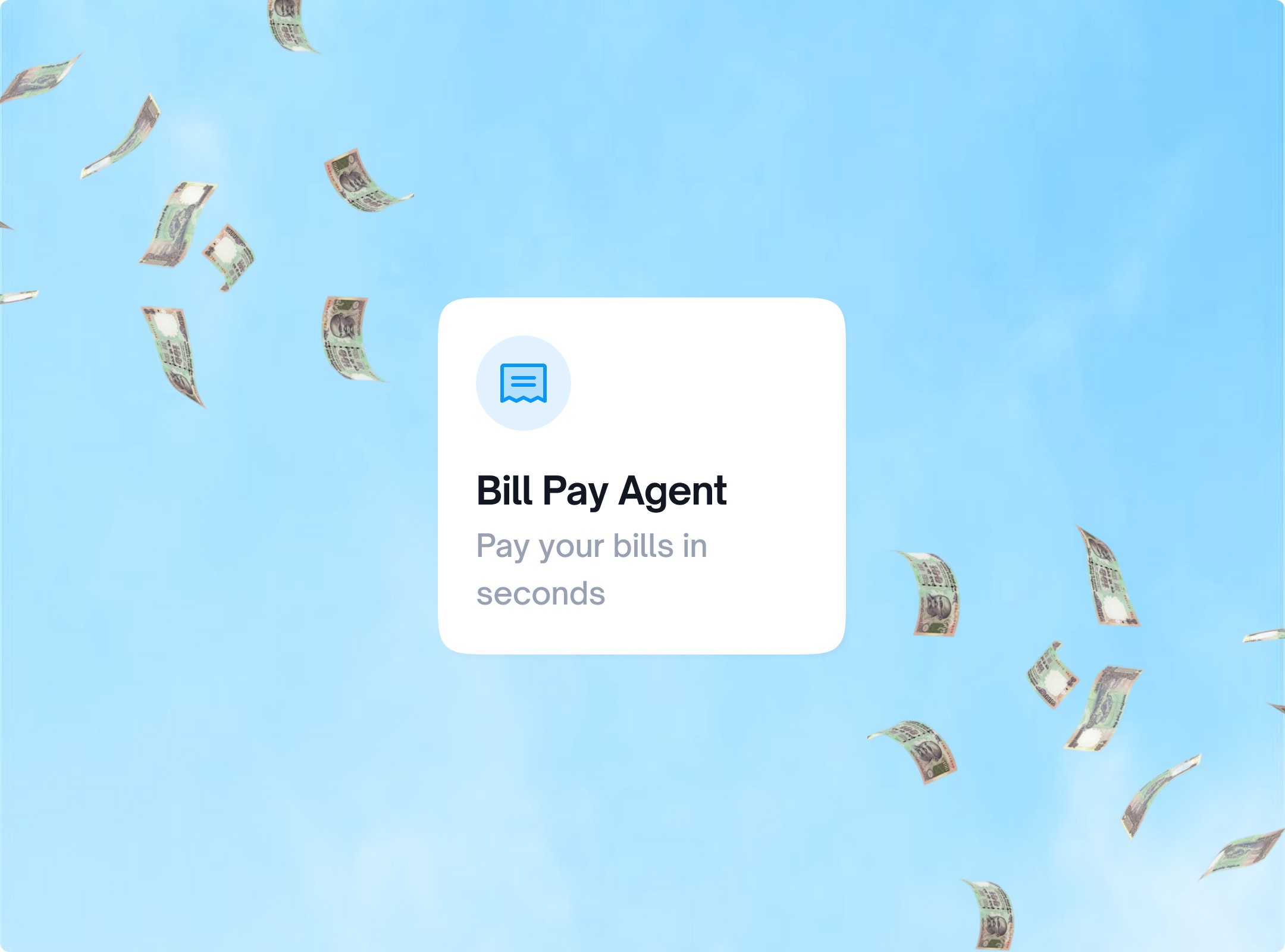
Colour says it all
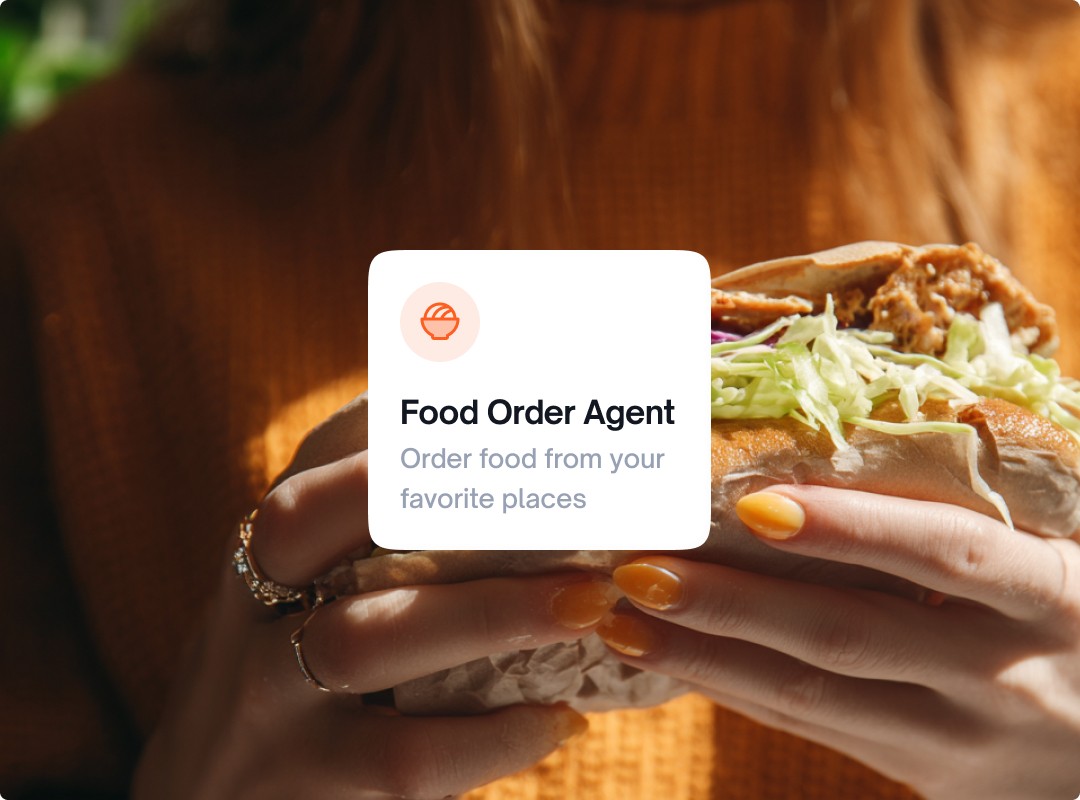
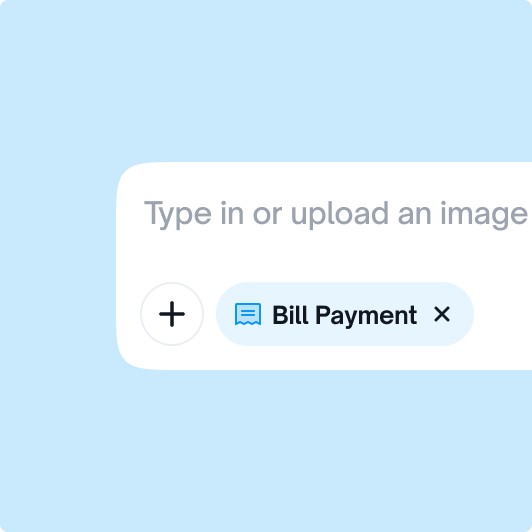
Each feature is uniquely colour-coded to help users quickly identify them and easily distinguish one from another.
This visual distinction enhances usability by making navigation clearer and reducing chance of confusion, allowing users to associate tasks with colours intuitively and recall them faster during interactions.
Combined interaction patterns
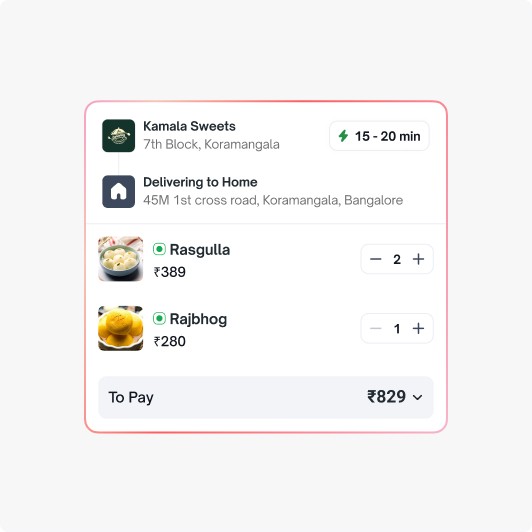
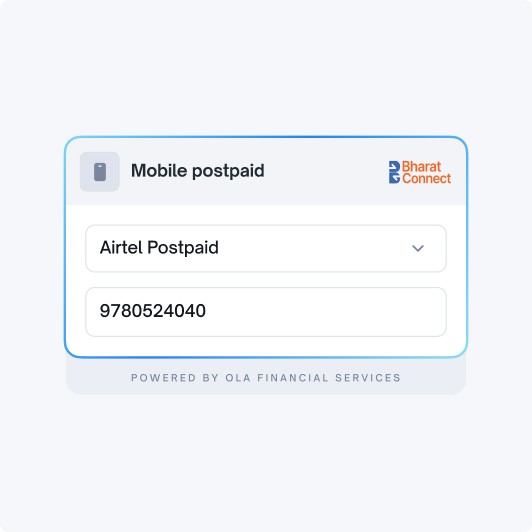
Since tasks happen in steps, users can tap to choose options or type commands when needed, making the flow natural and flexible.


AI is reshaping how we interact with technology, and the world around us.
Designing for these new emerging patterns of human–AI interaction has been both exciting and challenging, pushing us to move beyond traditional UX and embrace entirely new behaviours.
There’s still immense potential to make AI experiences more natural, personal, and trustworthy.
This project has been a small but meaningful step toward that future, where technology adapts seamlessly to people, and design defines how those interactions feel.
And that’s a wrap — hope you enjoyed it!
The End